1.需要一台服务器
2.需要安装宝塔面板
3.api获取 url:https://app.rainyun.com/account/settings
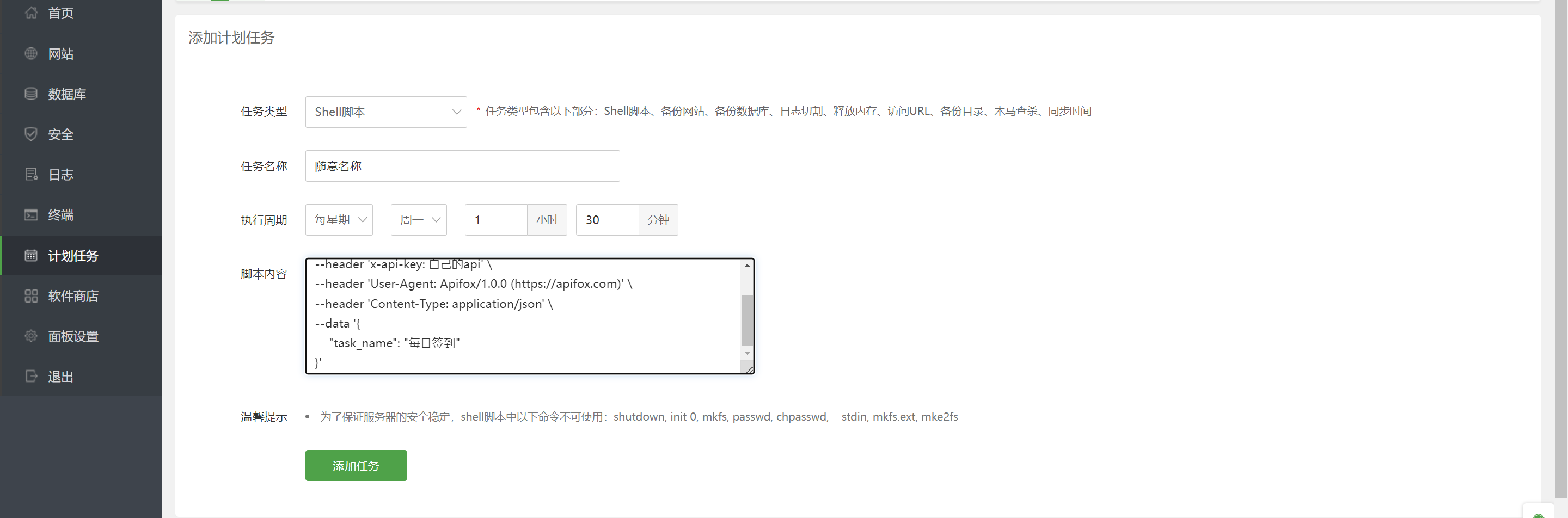
使用宝塔面板自带的计划任务运行此脚本
curl --location --request POST 'https://api.v2.rainyun.com/user/reward/tasks' \
--header 'x-api-key: 自己的api' \
--header 'User-Agent: Apifox/1.0.0 (https://apifox.com)' \
--header 'Content-Type: application/json' \
--data '{
    "task_name": "每日签到"
}'
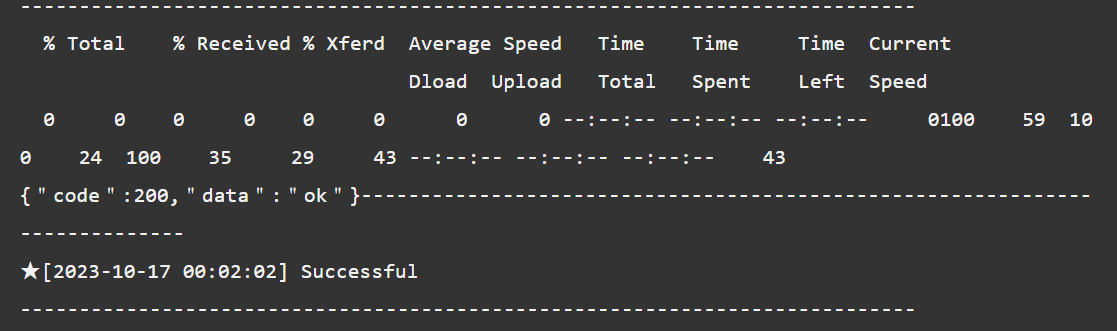
这样是签到成功的样式,如与此图片不符请检查api秘钥和代码问题